

As soon as I saw this project on Style Me Pretty last year, I knew I had to make coat check tags. Not only are they easy to do, but they are so unexpectedly cute and I love it when guests know you thought of everything.
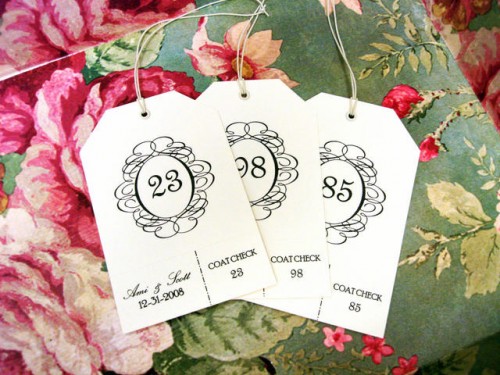
{Author’s personal collection}
You will need:
- hole punch
- eyelets & eyelet setter
- rotary trimmer
- cardstock
- elastic
Instructions:
- I started by laying out my template using MS Word (yes, I have Photoshop and Illustrator, but I’m kind of a Word junkie when it comes to tables). I was able to get 9 tags to a page on 8.5×11 paper.
- First, I copied the graphic I wanted into the template (the swirled oval), and created separate cells with a border for the tear-off portion
- Then using Word’s mail merge functionality, I input the numbers into the two spots on the tag
- After printing on my trusty home printer, I cut out each of the tags and using my rotary trimmer, perforated the tear-off portion
- For diagonal corners, I marked off 3/4″ in each direction from both top corners and cut with scissors
- To finish, simply punch a hole and set an eyelet, then thread with elastic!
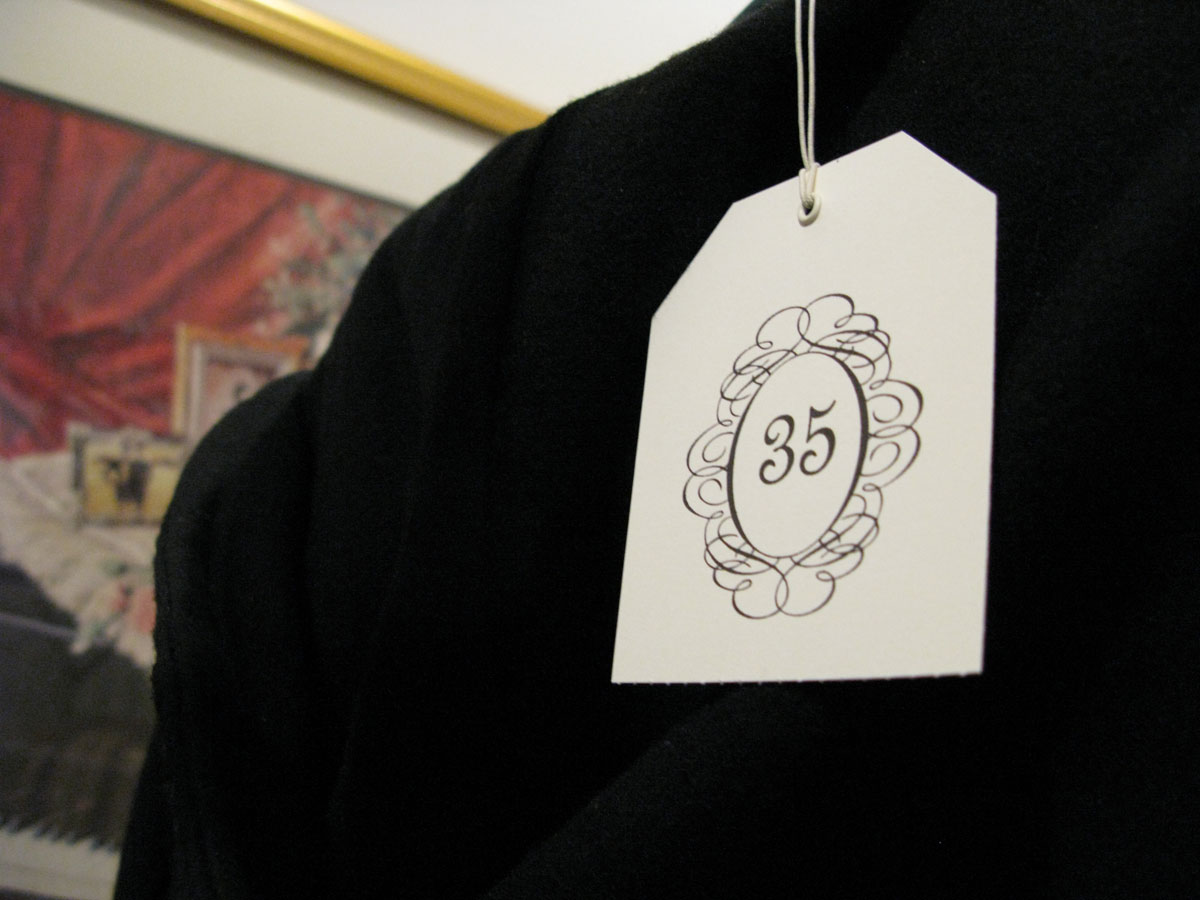
{Image via Jenna}
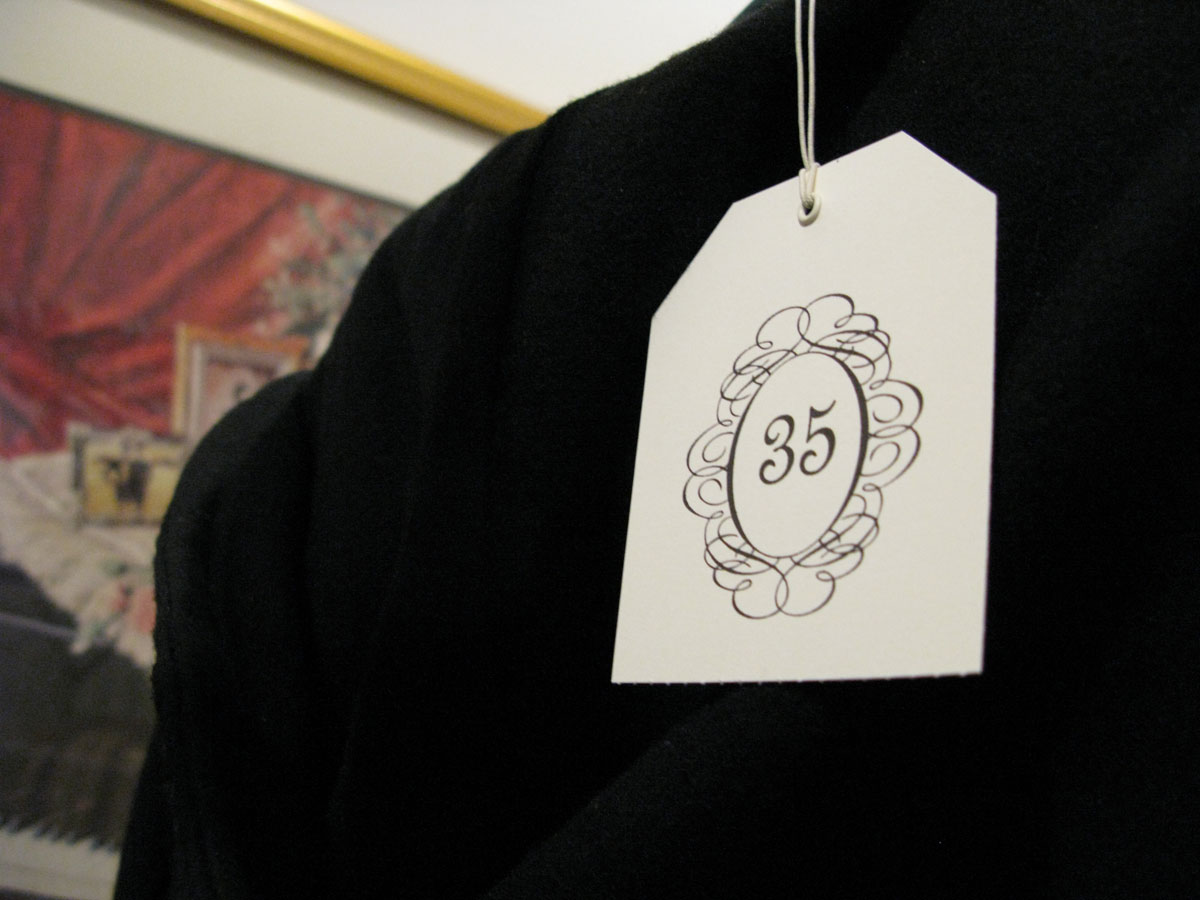
Total cost for 100: Elastic = $7, cardstock = $5, eyelets = $10 = $22
Total time: approximately 5 hours (most of this was tying elastic and making the template exactly perfect)
The template for the coat check tags is stored {here}. You’ll need to modify for fonts and such but it might get you started on your way!
E.


L-O-V-E them! I don’t know why coat check tags flip my wig, but they do.
Did anyone use yours? I made 175 and used 19. I could have saved myself HOURS of work. But you never know what October in Chicago will be, right?
Follow @zenadiadesign on Twitter
I love this idea. Yours turned out so cute!
Everyone that was there knows you thought of everything and then some!!!!
Follow @jennacole on Twitter
You know how skiers don’t take their ski lift tags off their coats all season? I kind of wanted to leave my coat check tag on. A little status quo thing if you will :)
You DID think of everything. Love this idea!
I’m having trouble printing nine of the tags per page. When I click print, only one tag prints per page, and if I go to “layout,” and select nine pages per page, the tags print TINY. Any suggestions?
Thanks!
Follow @amiatead on Twitter
hi holly! i cut the pages to size first and then fed them through the printer – it was much easier for me that way. :)
the tags are 2.75 x 4″
if you aren’t able to print small paper through your printer, then you’ll probably need to do 8 per page by printing landscape after you adjust your fonts and such.
good luck and let me know if you have any other questions!
I was just looking for unique coat check tags for our wedding venue and found nothing as nice as this idea. Woodrow Hall is a century old restored banquet hall and the pattern works well. I will laminate them after I complete them. I have already customized the image with our name and appreciate your work and posting!
Follow @amiatead on Twitter
thanks for all the kind words tom! so glad you enjoy them. :)
I felt compelled to write in the comment section to deliver some great news about an easy way to print . when you select print click the option to put 8 pages on one sheet then whn it says which pages specifically type in 1-99 and it will print out nicely . thanks for the template I am very thankful
Follow @amiatead on Twitter
What a great tip Charlynn! Thank you for sharing and so glad you found the template helpful!