

To save money, we opted to do an electronic save the date. Most people in my life didn’t even think that was necessary, but with 80% of our guest list being from out of town, and a family history of disorganization and lack of planning skills, I totally ignored them. I also thought it’d be a good way to get the word out about our website, which has a lot of information about our event and San Diego.
I used MailChimp, which is FREE for up to 3,000 sends, easy to use, and lets you customize an email campaign with your own artwork. I made a banner with our laid back red/pink/green theme in mind:
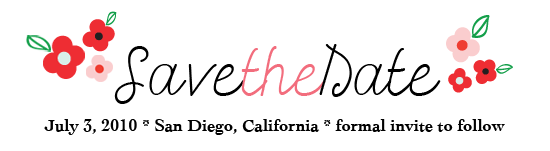
I highly recommend MailChimp if you are considering an electronic save the date. It lets you create lists, import them from an excel file, and gives you impressive stats (pie charts and graphs anyone?) about how often your email was opened and by whom. If you’d like to read more about my experience with MailChimp, I’ve written probably more than you need to know on Pink Argyle. This was the final email campaign, sent to about 100 of our guests (sorry, I had to break it into two!):

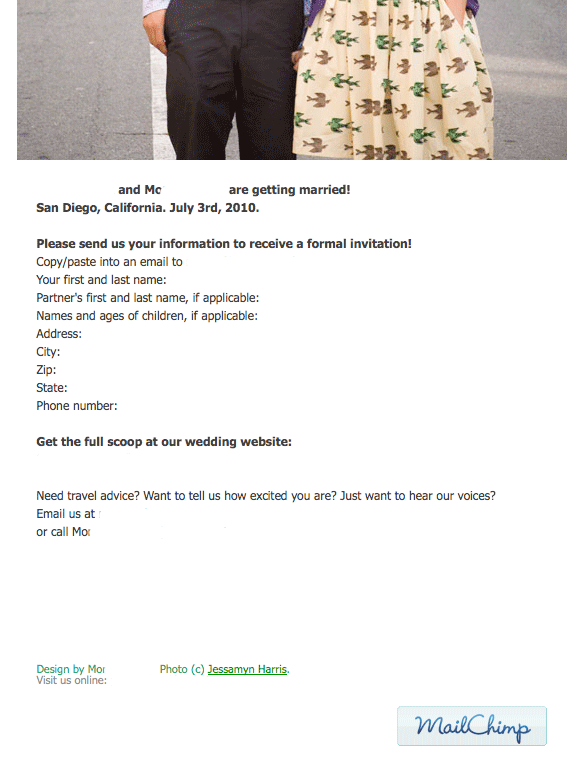
I was unaware of this when I made the save the date, but on MailChimp you can even integrate forms so that your guests’ inputted information would be automatically inserted into a spreadsheet.
Here are the links if you want to integrate a form into MailChimp:
Google Form: https://eepurl.com/drt3
Wufoo: https://www.mailchimp.com/blog/wufoo-form-integration-with-mailchimp/
Formspring: https://www.mailchimp.com/blog/formspring-integration-with-mailchimp/
Because we saved money on not sending a paper save the date, we splurged a little and asked Ellie of Rainy Day Templates to help create our wedding blog/website. She helped me so much, and was lightning fast with my edits. I created the banners and had a general idea of what I wanted, and Ellie took care of putting it all together and doing all the technical legwork that I pretty much avoid at any chance. HTML and Mo do not hold hands.
Having it on Blogger, a format I know all to well, made it easy for me to post and edit content. I am so happy about how it turned out and hope it proves to be a useful tool for our guests.Here are a few screen shots–it kills me to have to white out our names since it looks so cute all connected! Le sigh.
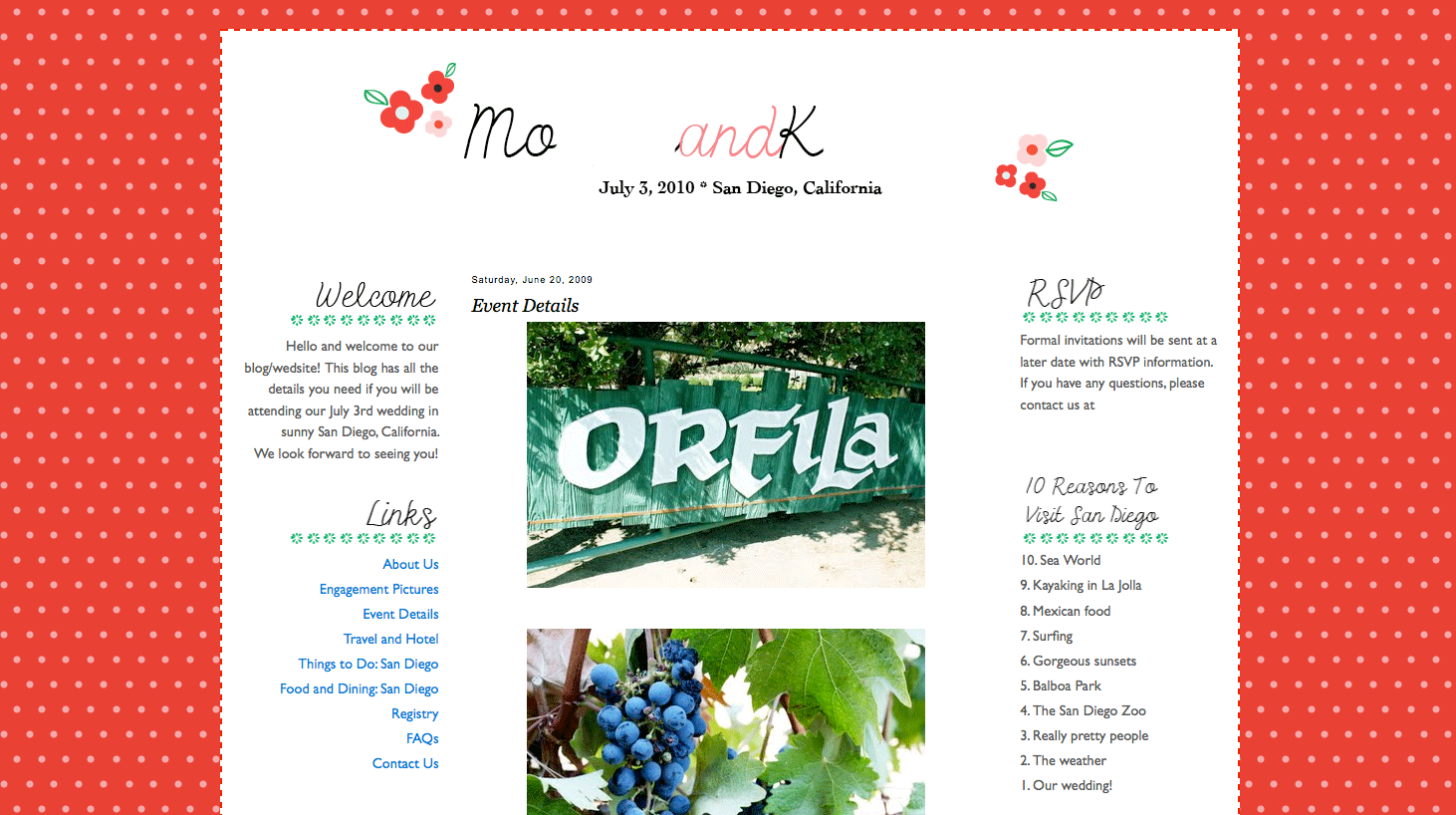
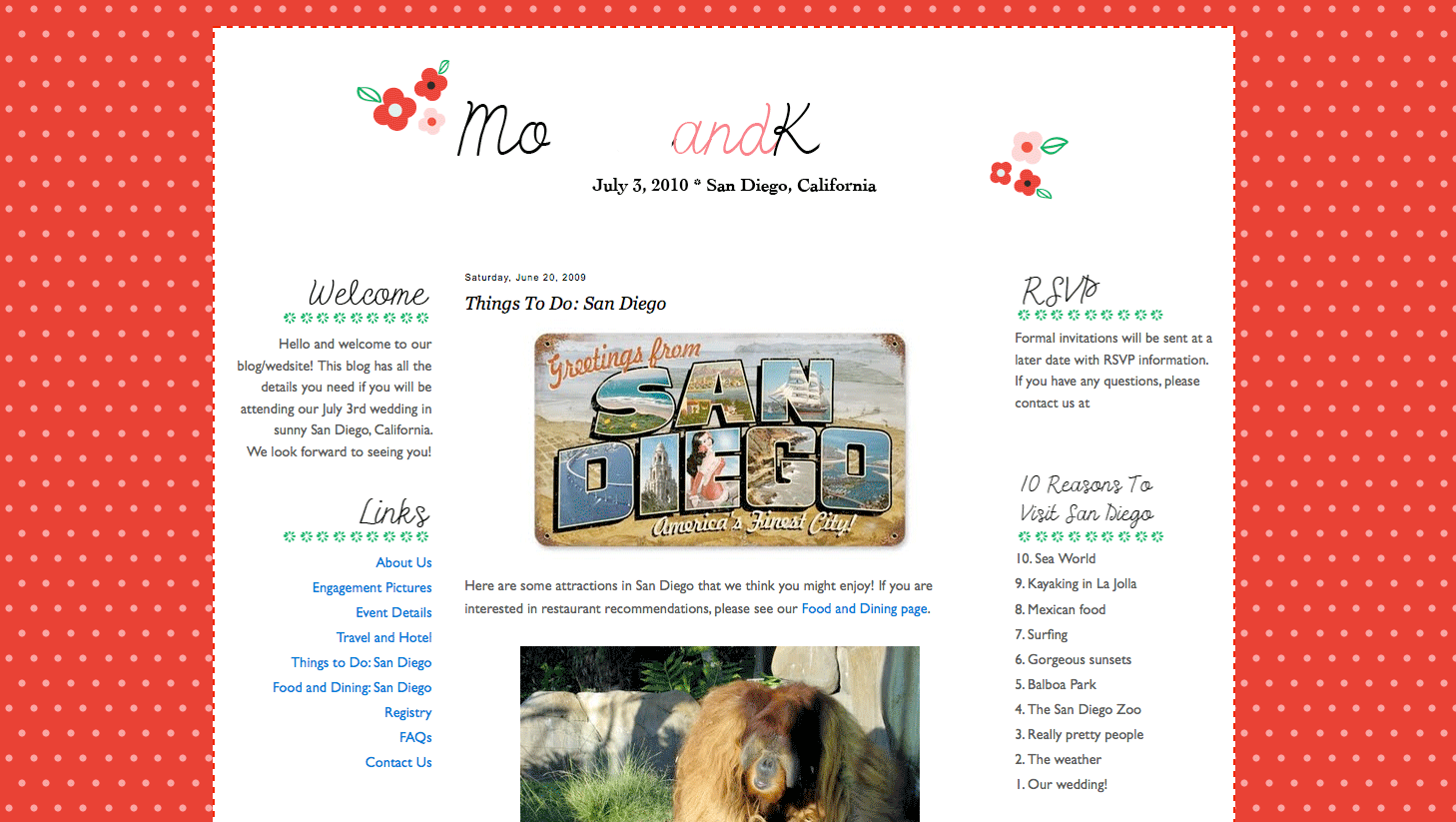
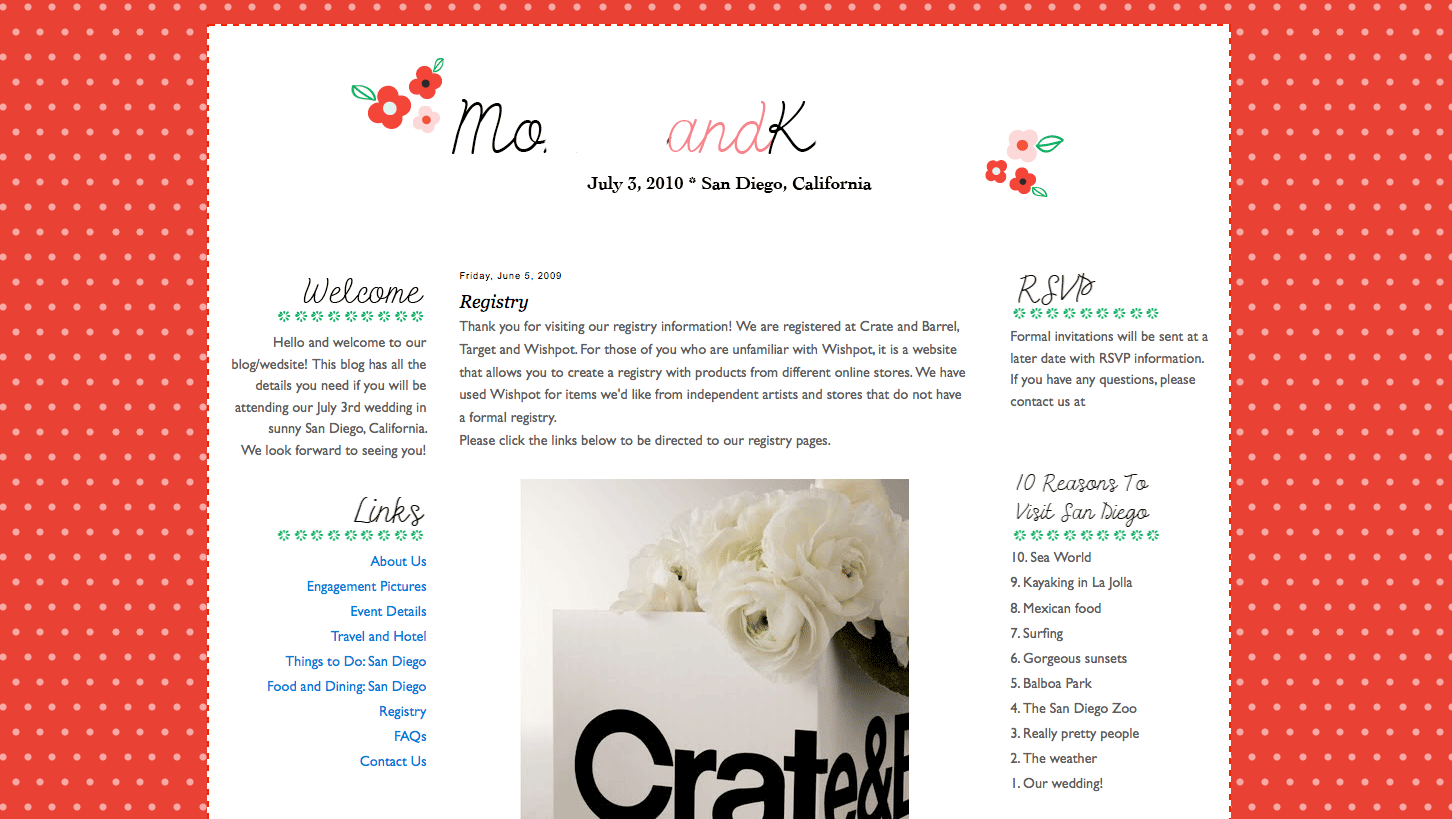
There you have it, my first big wedding project!
If you DIY’d your save the dates and wedding website, what did you use to create them?